14.10.2025 by Aileen Sammler
NETZSCH Proteus® 9 Software: Smarter Workflows and Extended Access - Part 1
In thermal analysis, the software is as important as the instrument itself. It determines how quickly results are obtained, how reliably data can be reproduced, and how confidently teams can share and compare outcomes. With the release of Proteus® 9.7, NETZSCH introduces its most advanced generation of measurement and analysis software. Read about its features in our latest blog series. Here comes part 1!
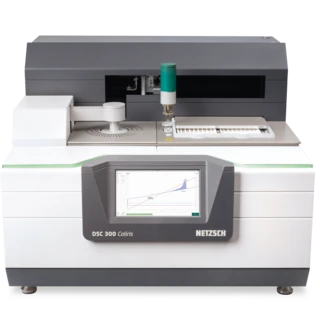
The new version of our NETZSCH Proteus® measurement and analysis software combines smarter automation, greater accuracy, and a modern interface while, for the first time, extending these innovations to many previous-generation instruments. This means laboratories have a unified software platform that supports the entire lifecycle of NETZSCH systems – from the newest DSC 300 Caliris® to well-established models such as the DSC 204 F1 Phoenix®.
Peak-End Detection – Automation for Safety and Efficiency
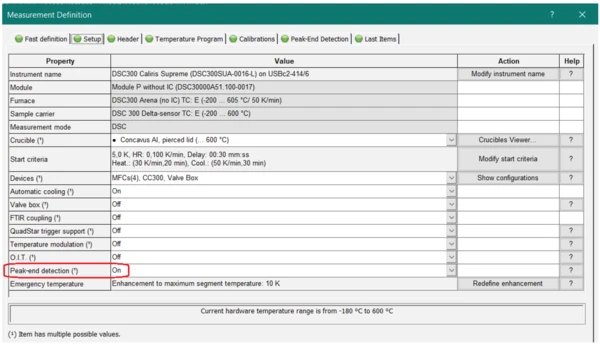
One of the most striking new features in Proteus® 9.7 is Peak-End Detection. During a typical DSC or STA run, transitions such as melting or CrystallizationCrystallization is the physical process of hardening during the formation and growth of crystals. During this process, heat of crystallization is released.crystallization are programmed over a defined temperature segment. But what happens if the effect ends earlier than expected? Until now, the instrument would simply continue heating, consuming valuable time and sometimes exposing sensitive samples to unnecessary conditions.
With Peak-End Detection, the software now recognizes in real time when an EndothermicA sample transition or a reaction is endothermic if heat is needed for the conversion.endothermic or ExothermicA sample transition or a reaction is exothermic if heat is generated.exothermic event is complete. It can then either end the measurement or jump directly to the next segment. The result is a faster and safer workflow: A measurement scheduled for nearly half an hour, for example, may conclude in only twenty minutes, with no loss of relevant data. Sensitive samples are protected from overheating, remain intact, and instruments are safeguarded against unintended reactions such as evaporation.
This feature is particularly valuable when analyzing unknown or reactive materials, where the exact transition range may be unpredictable. To learn more please read our latest software innovation:
Identify – Expanding Knowledge with 2,600 Database Entries
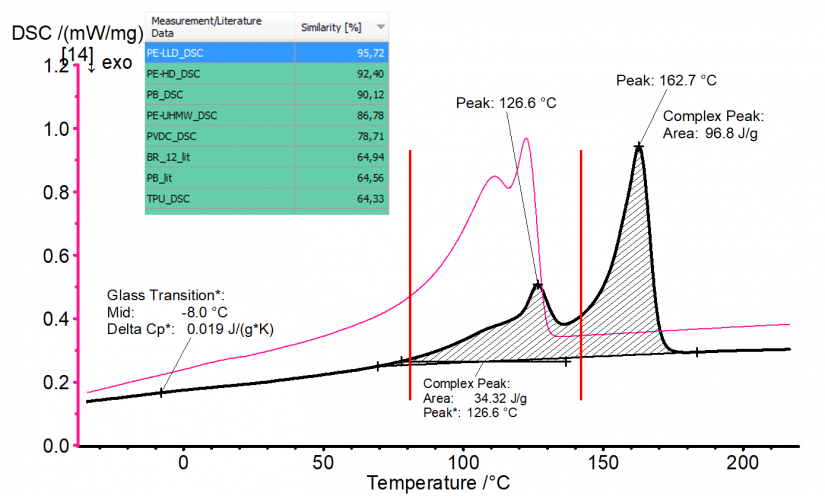
Another major step forward in Proteus® 9.7 is the expansion of the Identify database. Identifyis a unique tool in thermal analysis, allowing users to compare experimental curves with reference data. The new release expands the database to an impressive 2,600 entries, combining 1,350 materials from NETZSCH with an additional 1,250 polymers from the Kunststoff-Institut Lüdenscheid (KIMW).
This means that users can now classify unknown materials more quickly and accurately than ever before. Even unevaluated curves can be compared against the database to produce a list of hits, ranked by similarity.
With a single click, experimental and reference curves can be overlaid for visual confirmation. Whether in quality control, materials development, or recyclate characterization, Identify reduces uncertainty and accelerates decision-making.
2DTemperatureCalibration – Accuracy at Every Heating Rate
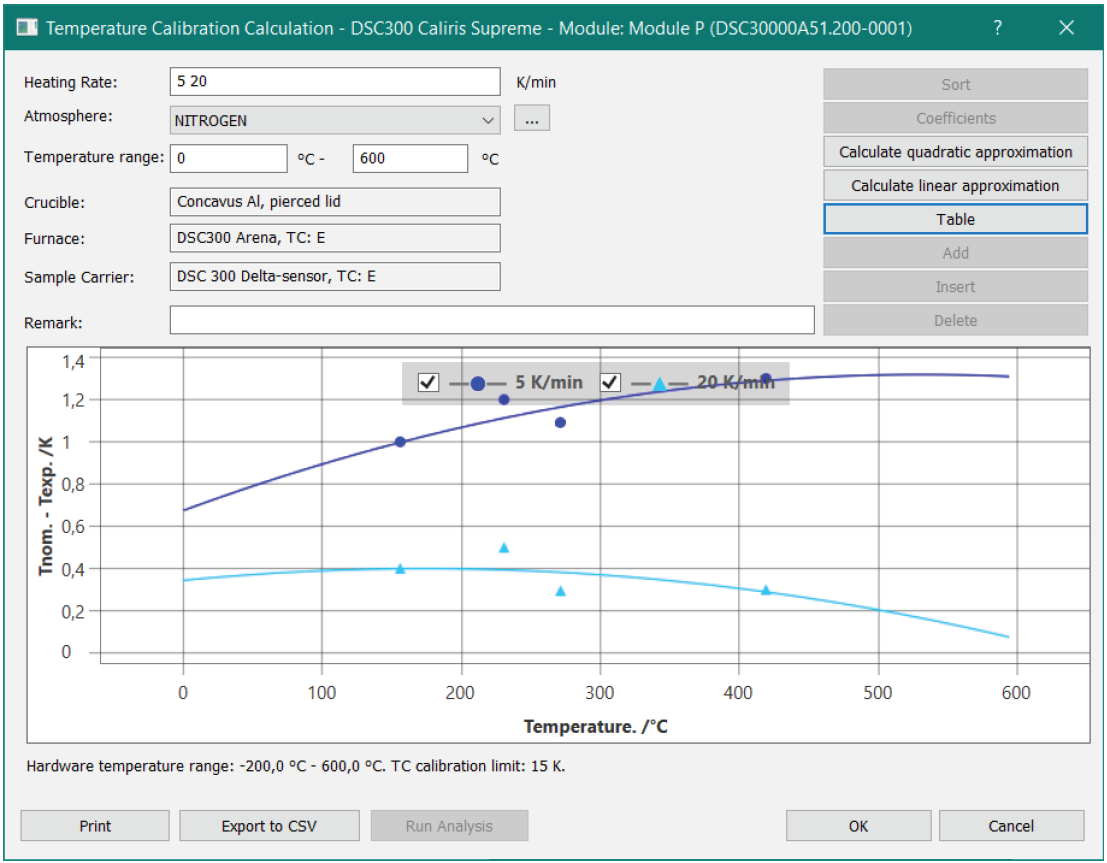
Calibration is fundamental to achieving reliable results. Traditionally, temperature calibration has only corrected for temperature-dependent deviations at a particular heating rate. However, the heating rate itself can strongly influence measured onset points, particularly of metals, pharmaceuticals and polymers.
Proteus® 9.7 introduces 2DTemperatureCalibration, which corrects, not only for DSC and STA but also for TGA as a function of both temperature and heating rate. This means that onset values remain almost constant across a wide range of heating rates, e.g., from 1 to 50 K/min. In practice, deviations of up to several degrees can now be reduced to less than 0.2 K. For laboratories performing multi-rate studies, kinetic evaluations, or comparisons across methods, this significantly strengthens reproducibility and confidence in results. Read more in our software innovation:
Extending Modern Capabilities to Previous-Generation Instruments
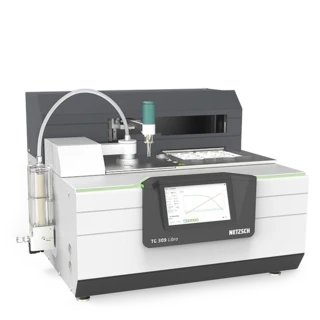
Many of our customers have been eagerly awaiting this: A very important new feature in Proteus® 9.7 is its enhanced compatibility with older NETZSCH instruments. Many well-established systems are now supported, including the DSC 200 F3 Maia, DSC 204 F1 Phoenix®, DSC 214 Polyma, DSC 404 Pegasus®, DSC 3500 Sirius, TG 209 F1 Iris/Libra® and TG 209 F3 Tarsus®.
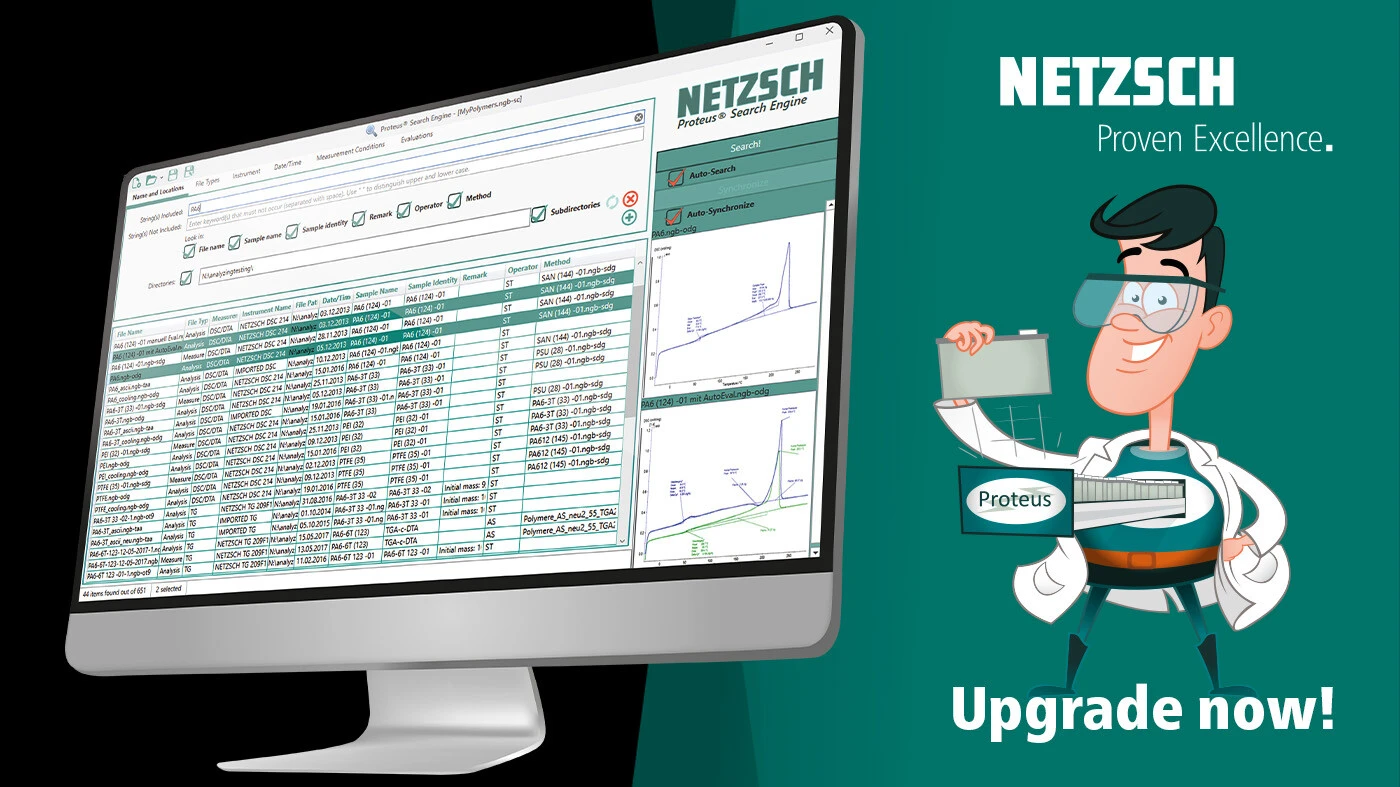
For these instruments, upgrading to Proteus® 9.7 means gaining access to modern tools that were previously unavailable. The Proteus® Search Engine allows users to rapidly find, filter, and manage measurement data. New AutoEvaluation functions speed up analysis of complex DSC or TGA signals, and provide consistent, user-independent results. Rather than forcing labs to replace reliable hardware, NETZSCH helps that long-term investments remain productive and future-ready.
Modern User Experience and Performance Enhancements
Beyond its specific features, Proteus® 9.7 continues to evolve as a modern software environment. The user interface fully supports Windows 10 and 11, offering customizable menus, workspaces, and profiles that can be adapted to suit the way individual scientists or teams prefer to work. Performance has also been optimized: DSC peaks are sharper, LFA databases run faster while using less storage, and LFA in-plane models for anisotropic materials deliver reliable calculations.

Compatibility Across the NETZSCH Portfolio
Proteus® 9 is designed to be the single software generation for all NETZSCH thermal analysis instruments. The July 2025 release of version 9.7 provides even greater support.
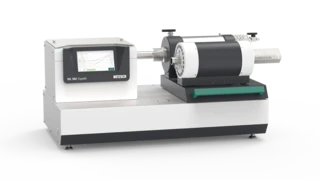
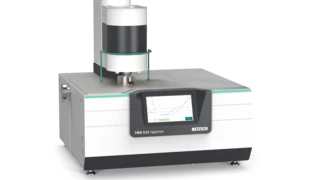
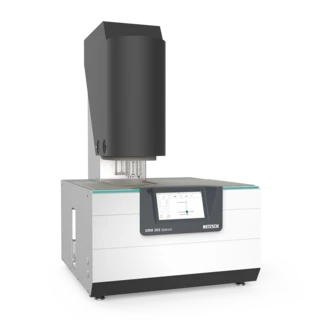
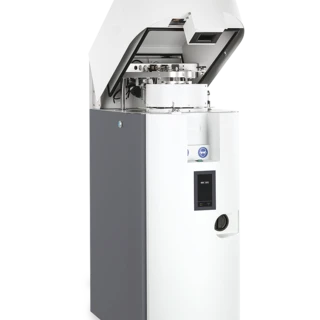
- Current instruments series:DIL 502 Expedis® (Supreme, Select, Classic) and TMA 512 Hyperion® (Supreme, Select), Accelerating Rate Calorimetry (ARC)The method describing isothermal and adiabatic test procedures used to detect thermally exothermic decomposition reactions.ARC® 244 (new), ARC® 305, DMA 303 Eplexor®, DSC 300 Caliris® (Supreme, Select, Classic), DSC 500 Pegasus®, HFM 706 Lambda, LFA 717 HyperFlash®, MMC 274, STA 509 Jupiter® (Supreme, Select, Classic), TG 309 Libra® (Supreme, Select, Classic).
- Previous and older generation instruments: DSC 200 F3 Maia, DSC 204 F1 Phoenix®, DSC 214 Polyma, DSC 404 Pegasus® (F1 /F3 ), DSC 3500 Sirius, TG 209 F1 Iris/Libra®, TG 209 F3 Tarsus®, Accelerating Rate Calorimetry (ARC)The method describing isothermal and adiabatic test procedures used to detect thermally exothermic decomposition reactions.ARC® 244, Accelerating Rate Calorimetry (ARC)The method describing isothermal and adiabatic test procedures used to detect thermally exothermic decomposition reactions.ARC® 254, HFM 436, HFM 446 Lambda, LFA 467 HyperFlash®, STA 449 Jupiter® (F1 /F3 /F5 ).
This broad coverage means that nearly every NETZSCH customer can benefit from the new software generation, regardless of their instrument’s age.
Upgrade Process Made Simple
Upgrading to Proteus® 9.7 is straightforward. Customers should first contact their local NETZSCH sales or service representative. A compatibility check is then performed to confirm which electronics and coupling devices are supported. If a lab uses multiple instruments, analysis-only product keys can be provided so that all data can be processed in Proteus® 9, even if only one system is upgraded. Based on this assessment, a tailored offer is created, with optional installation assistance by NETZSCH service. The installation can then be carried out either by the customer or NETZSCH service engineers.
Conclusion
Proteus® 9.7 is more than just a software update. It is the next generation of our thermal analysis software, offering greater speed, intelligence, accuracy and inclusion of the NETZSCH portfolio than ever before. By uniting new and older instruments under a single platform, it safeguards customer investment while unlocking modern features that make daily lab work safer and more efficient.
Contact your local NETZSCH representative to request your upgrade offer.

Local Contact
More about our instruments and software options