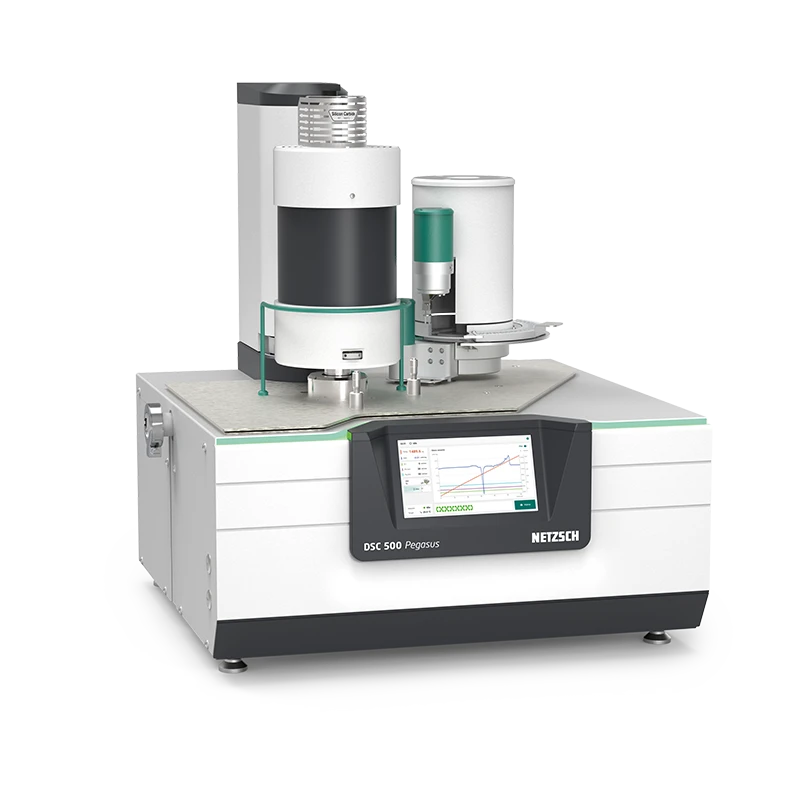
Proteus®
Always One Step Ahead!
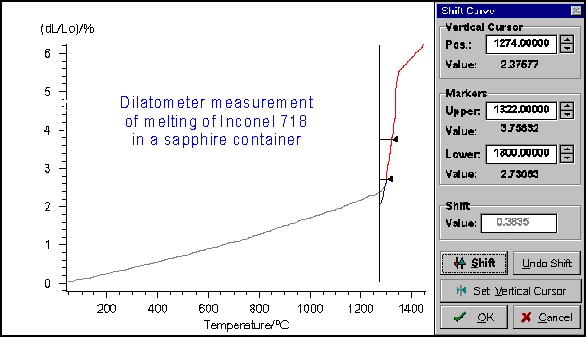
The NETZSCH Proteus® software runs on the Windows® user interface (Windows® 10/11 64-bit Professional/Enterprise) and includes, even in its basic version, all of the necessary functions for carrying out and evaluating measurements.
User-friendly menus combined with automated routines make this software very easy to use while still providing sophisticated analysis.
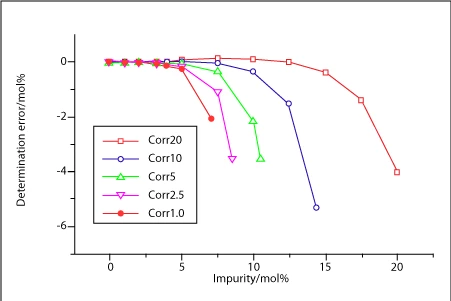
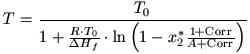
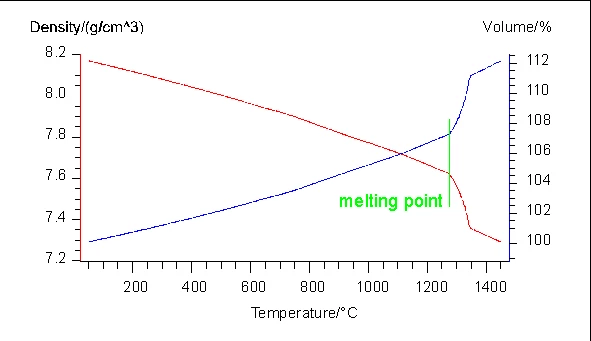
The NETZSCH Proteus® software is licensed to the computer of the corresponding instrument, but can also be installed on additional analysis computers. For in-depth measurement and evaluation methods such as for purity or DensityThe mass density is defined as the ratio between mass and volume. Density Determination, a variety of additional software packages – some of which are instrument-specific – are optionally available.

Request a Quote
Universal Measurement Methods
Proteus® software uses across-the-board measurement methods which can be employed on different instruments of the same type (e.g., on any DSC instrument). This enables users ‒ with the appropriate instrument configuration ‒ to carry out measurements with multiple instruments under exactly the same conditions. If needed, the curve evaluation can even be integrated into the respective measurement method so that the evaluated curve is automatically available immediately after completion of the experiment.

SmartMode
The intuitive SmartMode user interface (for DSC, TGA, GHP and HFM systems) allows for the quick and straightforward start of a measurement by using wizards (quick-start routines), user-defined measurement methods or pre-defined measurement methods.
ExpertMode
ExpertMode is designed for any user preferring complete access to the entire range of commands of the Proteus® software, operated via toolbar buttons. SmartMode and ExpertMode are part of the standard configuration of the Proteus® software and can always be found next to each other.
AutoEvaluation
AutoEvaluation is a unique evaluation routine that autonomously finds and evaluates all effects in DSC, TGA, DIL, TMA and DMA curves by means of intelligent algorithms. It allows for different persons to always obtain the same, clear result. Experienced users can utilize the automatic evaluation result as a second opinion or employ this exceptional function to arrive at a result much faster.
Identify
In the field of thermal analysis, Identify is the only software of its kind applicable to DSC, TGA, STA, DIL/TMA, DMA and cp measurements. This unique database system is able to identify and classify measurements and materials with just one click.
KIMW Database
In cooperation with the Kunststoff-Institut Lüdenscheid, NETZSCH-Gerätebau offers a polymer database for DSC analysis with Identify including measurements of 1.250 different commercially available polymers (174 different polymer types).
Proteus® Search Engine
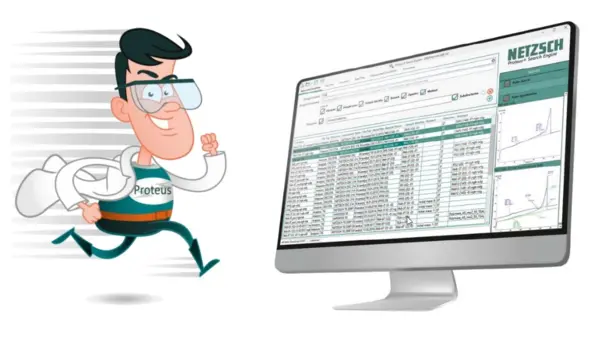
Proteus® Search Engine is a new tool with which to efficiently search for and quickly find your measurements and analysis states in the file system – either locally or in the network!

Product Information
Application Literature
Software Innovations
- "Concentration" - A New Evaluation Routine in Proteus® 8.0 Analysis
- 2DTemperatureCalibration Dependent on Temperature and Heating Rate for DSC and STA Instruments
- Adaptive Smoothing for DSC and TGA
- Advanced DSC/DTA Horizontal
- An Intuitive Software to Facilitate Your Pharmaceutical Analysis: NETZSCH Proteus®
- AutoEvaluation of DIL and TMA Curves
- AutoEvaluation of DMA Curves: Glass Transitions
- AutoEvaluation of DSC Curves: The New Evaluation Function for UV-Curing

Please note:
Not all NETZSCH instruments can be configured with all of the above software functionalities. Please consult your customer representative for the software version available for your device.
* Different instrument types have different software configurations; the software options marked with an asterisk may be subject to extra charges when combined with certain instruments.
** The KIMW database requires Identify under Proteus® 7.1 or higher.